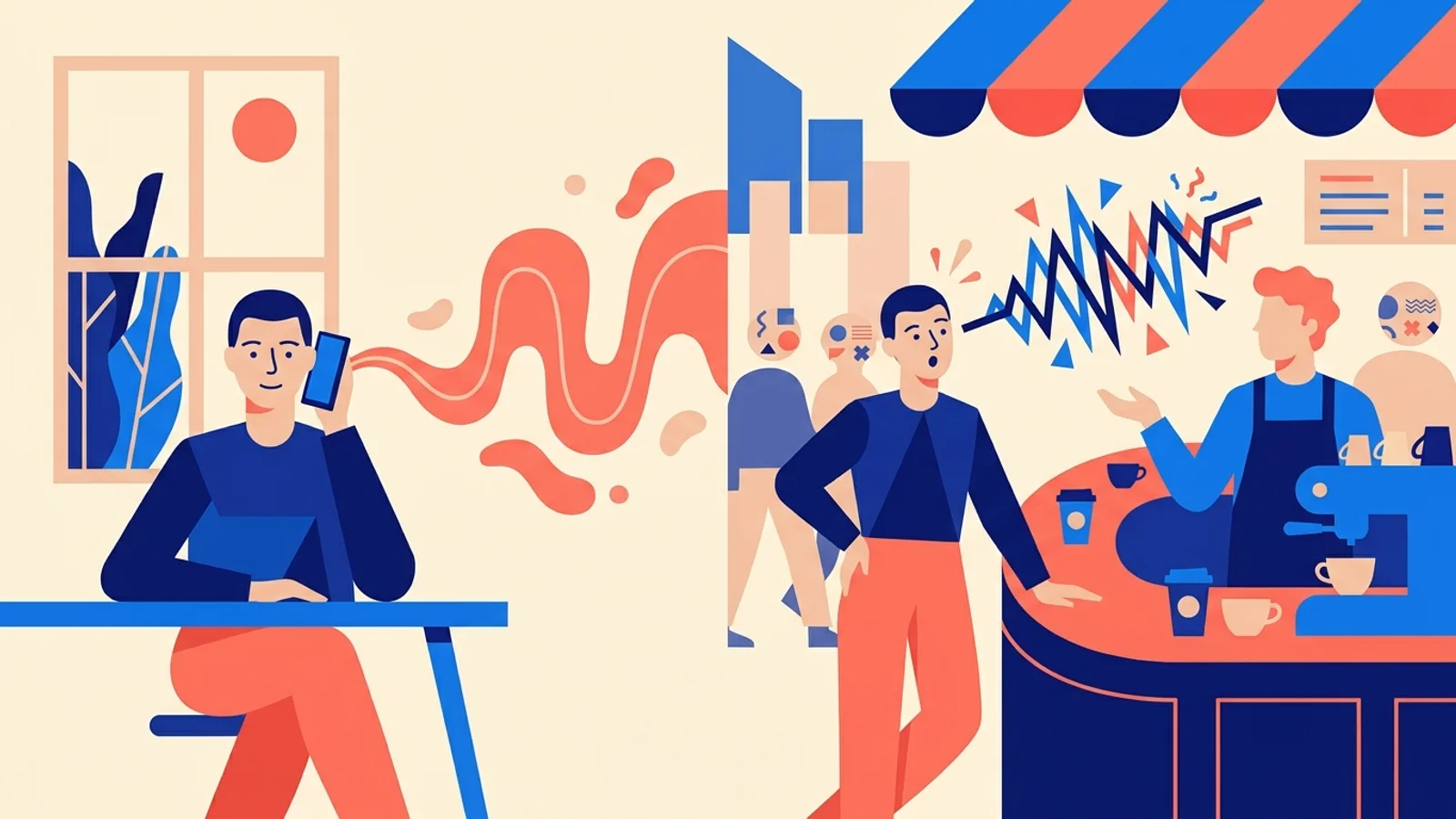
Maybe this has happened to you. You've spent hours speaking French with an app, you finally feel ready to hold a conversation, and then, at a café or on the phone, the other person answers. Three seconds later, you've lost the thread. You haven't forgotten how to speak. You just didn't understand what they said, and without that, you have nothing to say back.
I'm Elisabeth, a teacher of French as a foreign language. I'm Belgian, I live near Marseille, I trained as a journalist, and I've been teaching French since 2019. My YouTube channel, HelloFrench, has more than 325,000 subscribers and more than 300 free videos with subtitles, and I received the jury prize of the Maison de la Francité in 2021. Here I explain, as a teacher, what speaking apps train really well, what they leave out, and how to close the gap. Near the end I introduce HelloFrench's 360 French Immersion: it's our product, so read that part knowing I built it.
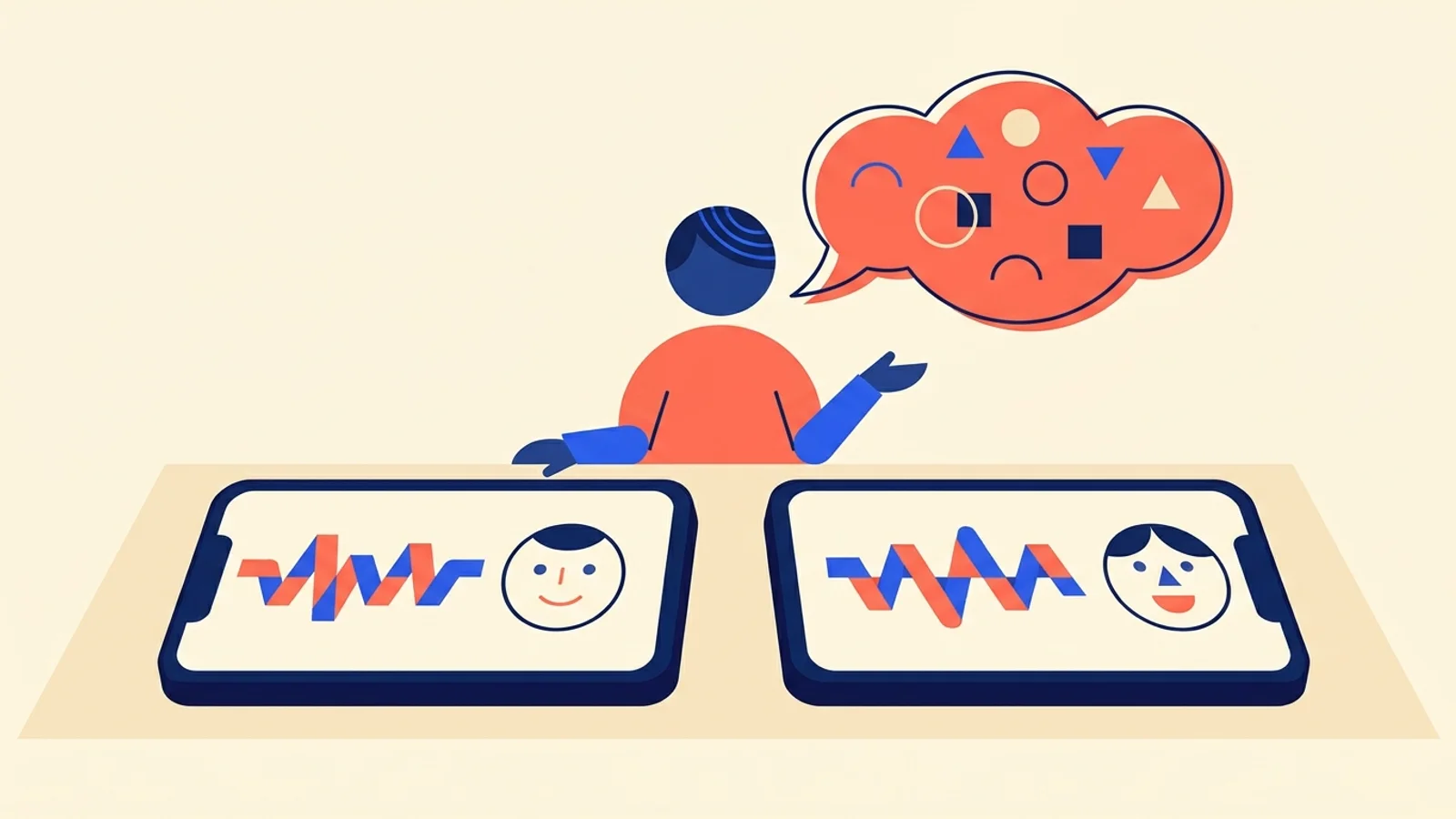
A conversation has two halves: speaking, and understanding what people say back. AI speaking apps train the first half very well, with a clear, patient voice that adapts to your level, but a French person at a café or on the phone answers fast, with forms like "chais pas," "y a" or "t'as vu," and doesn't slow down for you. To stop freezing in real life, you also need to train your ear on real dialogues between native speakers, with a transcript, then reuse what you decoded out loud.
The two halves of a conversation
When people say "I want to speak French," they almost always mean the first half: finding the words, building the sentence, saying it, daring to open your mouth. It's the visible part, the scary part, and it's the part the apps chose to tackle. But as soon as you finish your sentence, the other person replies, and the conversation suddenly asks for a very different skill: cutting a stream of sound you didn't choose into words, at someone else's speed, with no text to read and no pause button.
Back when I taught private lessons, I often saw these two halves grow separately. You can build correct sentences and still be unable to follow the answer. That's why you can do a lot of speaking practice and still go silent in France: if you lose the thread of what was just said, you simply don't know what to reply.
What AI speaking apps do really well
I want to be fair, because these apps are genuinely useful. Speak, Praktika, Talkpal and ChatGPT's voice mode give you what most learners lack the most: speaking time. Based on what each publisher describes, you talk out loud with an AI whenever you like, and depending on the app, you get corrections after each sentence or in real time. ChatGPT only corrects you if you ask it to.
- You speak without fear of being judged. For many adults, that's the first real breakthrough: making a mistake in front of a machine costs nothing.
- The voice is clear. It pronounces every word carefully and lets you finish your sentence.
- It adapts to you. It picks words at your level, rephrases more simply and repeats without ever getting impatient.
- You can try again. A sentence that went wrong can be said again right away, and saying it again is what makes the correction stick.
All of that is valuable, and my own conversation assistant works on the same principle. But each of these qualities is also a reason why the second half doesn't get trained.
What an AI says vs. what a French person says
A learning app is designed to be understood, and that makes sense. Most of the time, what you hear there is well-built, almost written French, pronounced with care. A French person behind a counter or on the other end of the line doesn't talk to you like a learner. They talk to you like anyone else. Here's the same meaning, side by side.
| What you often hear from an AI | What you hear at a café or on the phone | What changed |
|---|---|---|
| "Je ne sais pas." (I don't know.) | "Chais pas." | The "ne" disappears, the "e" in "je" drops, and the "j" pressed against the "s" becomes a "sh" sound (spelled "ch"). |
| "Il y a beaucoup de monde." (There are a lot of people.) | "Y a un monde fou." | "Il" drops, and a set expression replaces "beaucoup de monde." |
| "Tu as vu ?" (Did you see?) | "T'as vu ?" | "Tu" loses its vowel before another vowel. |
| "Il faut que je parte." (I have to leave.) | "Faut qu'j'y aille." | "Il" disappears, "que" loses its "e" and sticks to "j'y," and "y aller" replaces "partir." |
| "Qu'est-ce que tu veux ?" (What do you want?) | "Tu veux quoi ?" | The question keeps statement word order: "qu'est-ce que" becomes "quoi," placed at the end. |
| "Je vais te rappeler." (I'll call you back.) | "J'te rappelle." | The "e" in "je" drops, and the present tense replaces the near future. |
| "Ce n'est pas grave." (It's no big deal.) | "C'est pas grave" or "T'inquiète." | The negative loses its "ne," or the speaker jumps straight to a set phrase. |
| "Avez-vous choisi ?" (Have you decided?) | "C'est bon pour vous ?" | A waiter's phrase nobody explains: when you're ordering, it means "Have you decided?", not "Is it good for you?" |
Add linking and liaison, which glue words together: "Il est arrivé à huit heures" (he arrived at eight) comes out in one breath, roughly "ee-lay-ta-ree-vay-a-wee-tur." Then there are the little words that fill every conversation, which no textbook really teaches: "bah" (well), "ouais" (yeah), "du coup" (so), "un truc" (a thing), "bosser" (to work), "un pote" (a buddy), "nickel" (perfect), "ça marche" (sounds good). One by one, they're easy. Dropped into the middle of a fast reply, they're enough to make you lose the thread. I explain all these mechanics in detail in Why you don't understand spoken French.
Why talking to an AI doesn't train your ear
The problem isn't the quality of the voice. It's that everything is designed to help you understand: vocabulary picked for you, an adjusted pace, repetition on demand. Your ear gets used to French that comes to meet you halfway. A real French person doesn't meet you halfway:
- they don't slow down, because they don't realize how fast they're talking;
- they don't choose their words for you, they use whatever comes to mind, casual words included;
- they don't always wait for the end of your sentence, they jump in with an "ouais, ouais" or answer before you're done;
- they speak over the noise of a café, a street or a crackling phone line, and on the phone, you can't see their mouth;
- they repeat once, rarely twice, and often with different words.
You don't recognize "chais pas" by working it out in half a second. You recognize it because you've heard it, seen it written and said it yourself many times. That's why your ear is trained on real dialogues between native speakers, not just by speaking.
How to train the second half, in five steps
Take a short dialogue, one or two minutes long, where native speakers talk to each other at natural speed, with its transcript. Then work through it in this order.
- Active listening, without the text. One or two listens with a single goal: who's talking, where, and about what. Write down the words you caught, without trying to understand everything.
- The word-by-word transcript. Listen again while reading, ideally with text that highlights in time with the voice. Mark every spot where the written words didn't match what you heard: that's where the "y a" and the "faut qu'j'" are hiding.
- Slow replay, then normal speed. Slow down only the parts that resist, until you can hear every syllable, then go back to normal speed. Slow audio is a tool, not a destination: the goal is to recognize the fast form.
- Shadowing. Speak along with the recording, copying its rhythm, melody and contractions. You recognize what you've said yourself much more easily: once you've said "chais pas" twenty times, it stops catching you off guard.
- Reusing it out loud. Play one of the roles, then answer the other character in your own words. Next, bring the same expressions into a real conversation, with an AI or with a person. That's where the two halves finally meet.
Fifteen to twenty minutes a day on one dialogue is enough, and coming back to it a few days later shows you right away how far you've come. To choose your audio well, I share my criteria in How to understand fast spoken French.
Where to find real native speakers to decode
On the official pages of Speak, Praktika and Talkpal, I found no recordings of French people talking to each other, and ChatGPT's voice mode uses synthetic voices only. That isn't what they promise, so it isn't a criticism: you just need to add something. Two apps do, and they deserve credit.
- Langua adds to its AI conversations a library of YouTube videos sorted by level, topic and accent, plus podcasts, with transcripts that highlight the word being spoken. It's the app closest to what I'm arguing for here.
- Lingopie offers original-language movies, TV shows and podcasts with interactive dual subtitles. It isn't a conversation app: you train the second half there, not the first.
| App | Speaking (first half) | Real native speakers to decode (second half) |
|---|---|---|
| Speak | Yes, with an AI, corrections after each sentence | Nothing found on the official pages |
| Praktika | Yes, with AI avatars, real-time corrections | Nothing found on the official pages |
| Talkpal | Yes, with an AI, role plays and call mode | Nothing found on the official pages |
| ChatGPT (voice mode) | Yes, with an AI, corrections if you ask | No, synthetic voices only |
| Langua | Yes, with an AI, correction style of your choice | Yes, YouTube videos and podcasts with synchronized transcripts |
| Lingopie | No conversation (pronunciation coach) | Yes, movies, TV shows and podcasts with dual subtitles |
| 360 French Immersion (HelloFrench) | Yes, with a conversation assistant, then real people at the tables | Yes, dialogues recorded by native speakers, word-by-word transcript |
Based on the publishers' websites, checked on November 27, 2026. I compare most of these apps in more detail, with prices, in The best apps to practice speaking French.
What I recommend combining, by level
- At A2, focus on the second half: one short dialogue a day with its transcript, slowed down without guilt, plus a few minutes of AI conversation to build your nerve.
- At B1, split it half and half: decode a dialogue, then reuse it in an AI conversation, placing its expressions on purpose.
- At B2 and C1, take the safety net away: native content without transcripts, TV shows, and above all real people, who won't adapt to you.
If your block comes more from the moment you have to produce your own sentences, I explain that in I understand French but can't speak it.
My answer: the 360 Conversation Loop
Bringing the two halves together is exactly why I built HelloFrench's 360 French Immersion, an online course for levels A2 to C1. It follows a method I call the 360 Conversation Loop, designed from what I've seen work with my students and on my channel, and followed by more than 1,500 students.
- Decode: everyday dialogues written and recorded by native speakers, in the French people really speak, at natural speed, with a word-by-word synchronized transcript, audio you can slow down, and a dictation.
- Practice speaking: pronunciation scoring, more than 150 role plays and a conversation every day with Jean, my AI conversation assistant, who corrects you out loud if you'd like. Jean and the role plays use synthetic voices; the real native voices are in the dialogues.
- Connect: conversation tables on video, four people maximum per table, on Sundays at 7 pm and Wednesdays at 9 pm (Paris time). Jean hosts, keeps the conversation going and never cuts anyone off, and you get a report after each table.
There's also a free Chrome extension: select a passage in any French article, click "Test yourself with Jean," and talk about it out loud for about five minutes. You speak about what you actually read. The exercise is included in the course, free trial included.
The annual plan costs $16.58/month ($199/year, billed once), with 7 days free (card required, cancel anytime during the 7 days), and it includes, if you'd like, a 30-minute one-on-one video review with me halfway through. The monthly plan is $36.99/month, with no commitment and no trial. The limits: it isn't made for complete beginners (A0-A1), the tables run at fixed times, there are no private lessons, and it's a web app you install on your phone, not an App Store app. Read reviews of 360 French Immersion on Trustpilot, or see the 360 French Immersion course page.
Start by finding out where you stand
The free level test on my school's site includes a real spoken conversation, followed by a report on your level: take the free French level test. Speaking gets you into the conversation; understanding the reply keeps you in it.